✓
Daily habits
Track simple checkboxes, progress targets, timers, reminders, and daily priority routines.
Easy Goal Tracker helps you manage daily habits, long-term goals, quick tasks, progress trends, and home screen widgets in one calm, custom, local-first app.
Core progress data is designed to stay on the user’s device. Backup/export is user-controlled, and coaching insights can be built from app progress data when enabled.
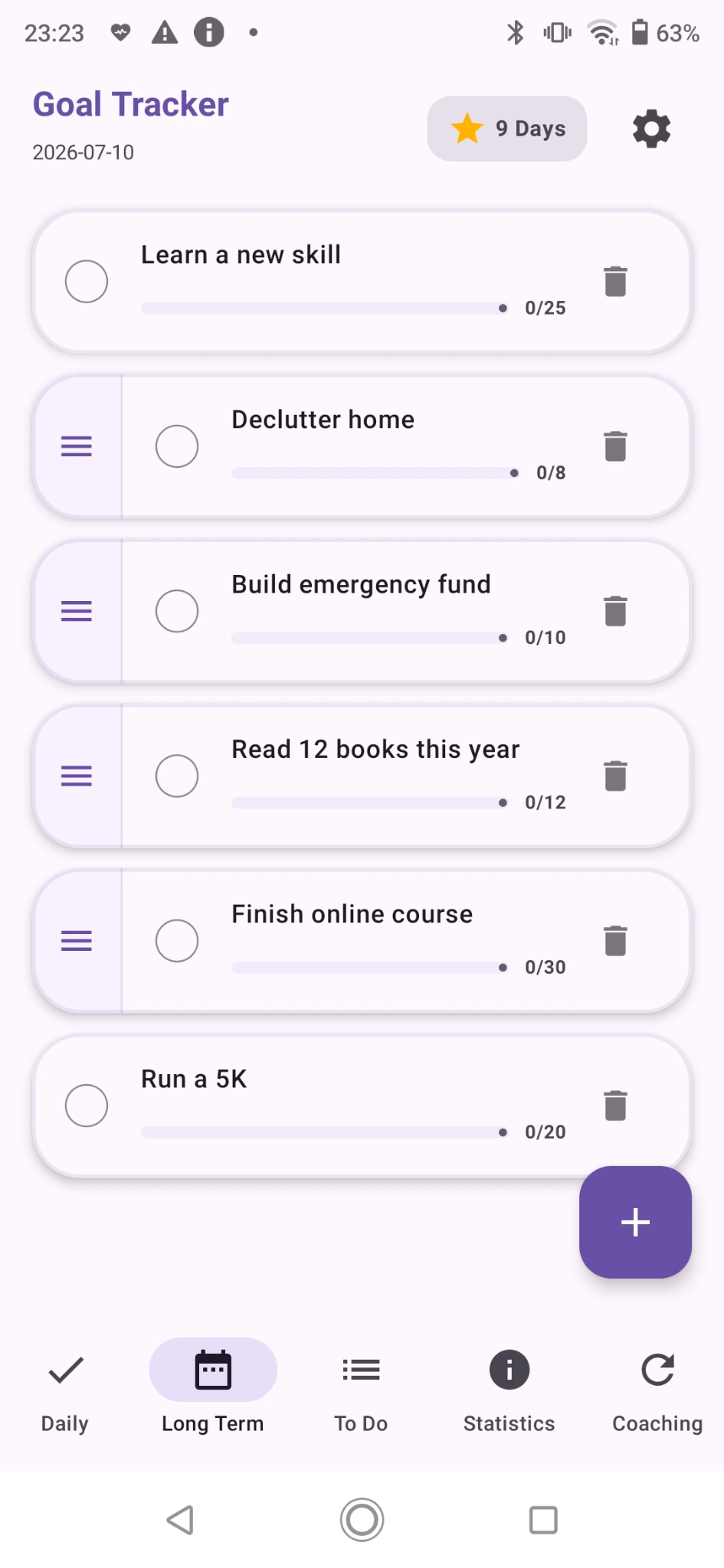
Build your own system without forced templates or complicated onboarding. Add goals in your own words, then update them from the app or directly from Android home screen widgets.
Track simple checkboxes, progress targets, timers, reminders, and daily priority routines.
Use progress counts and linked action steps for bigger objectives like learning skills, building savings, or fitness goals.
Keep one-time tasks separate from daily habits so small chores do not clutter recurring routines.
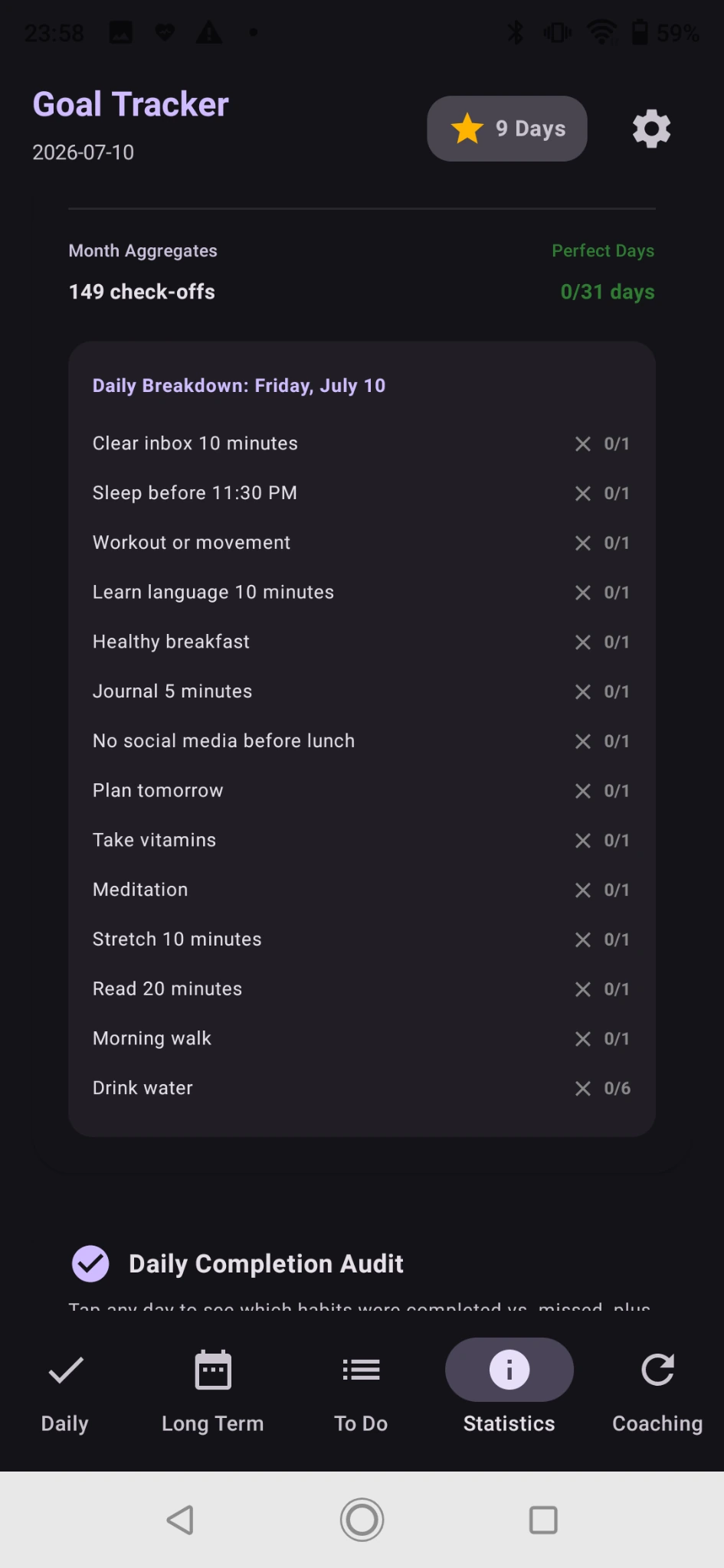
Review streaks, weekly activity, monthly heatmaps, daily completion audits, and habit breakdowns.
Switch between light, dark, or system theme, adjust text style, reminders, vibration, and widget limits.
Export and restore app data so goals, tasks, check-off logs, and statistics remain under user control.
The preview uses matching screen types for both app themes. The website frame is only an outer phone frame, so screenshots do not show an extra phone inside the phone.
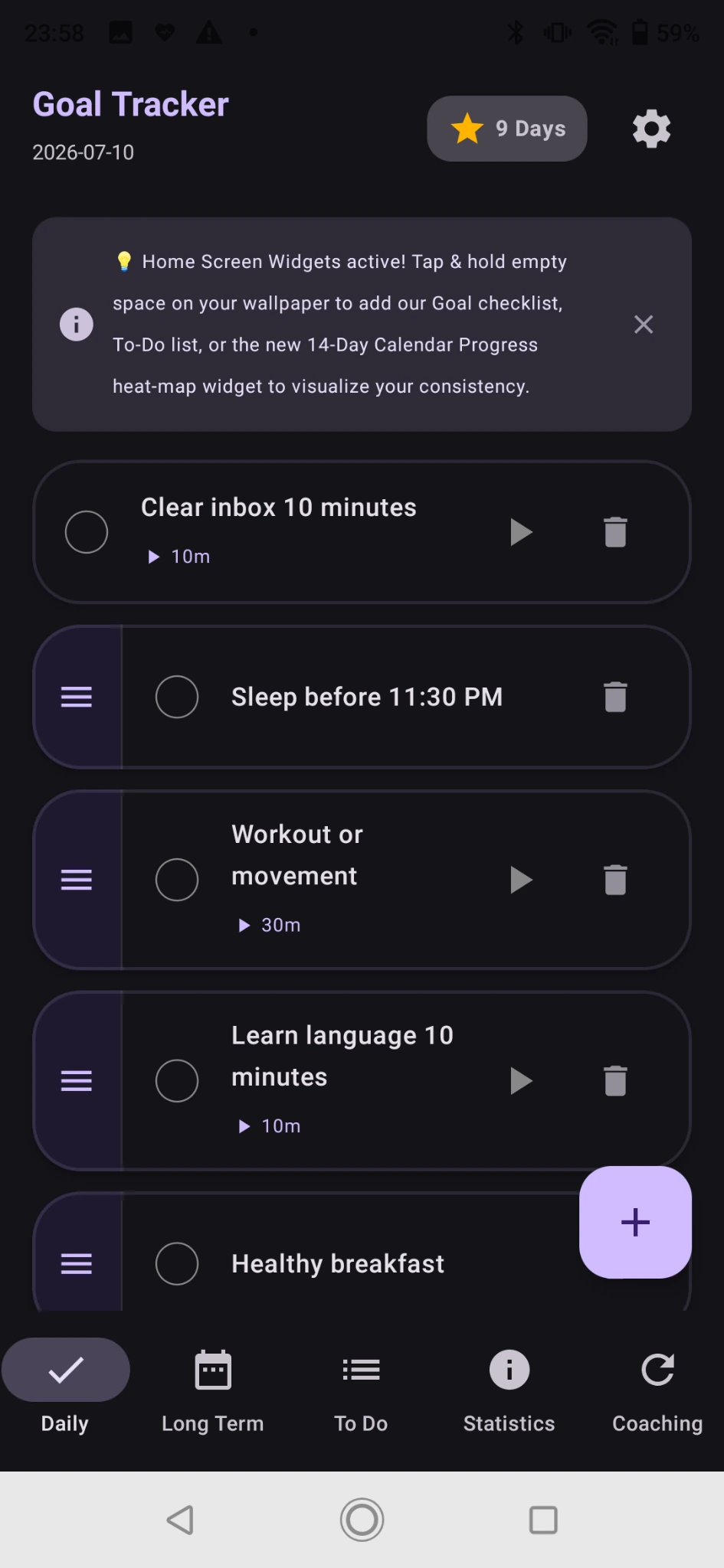
The app uses rounded task cards, clear progress controls, simple check-offs, and a clean bottom navigation structure: Daily, Long Term, To Do, Statistics, and Coaching.
These cards update with the selected theme where matching light and dark screenshots are available.
Use these supporting images for Play Store and website sections: welcome guide, goal creation, settings, and statistics details.
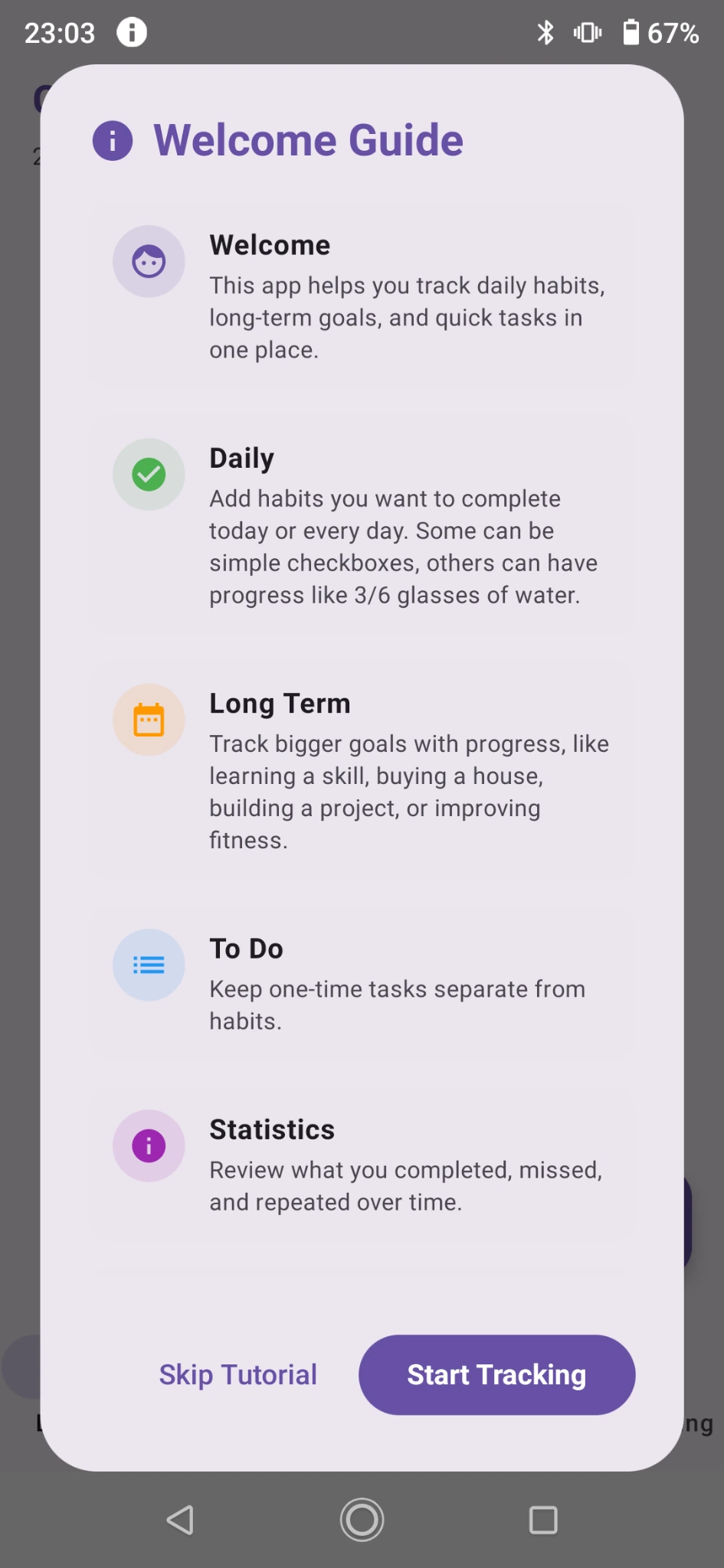
Quick tutorial without a long onboarding flow.
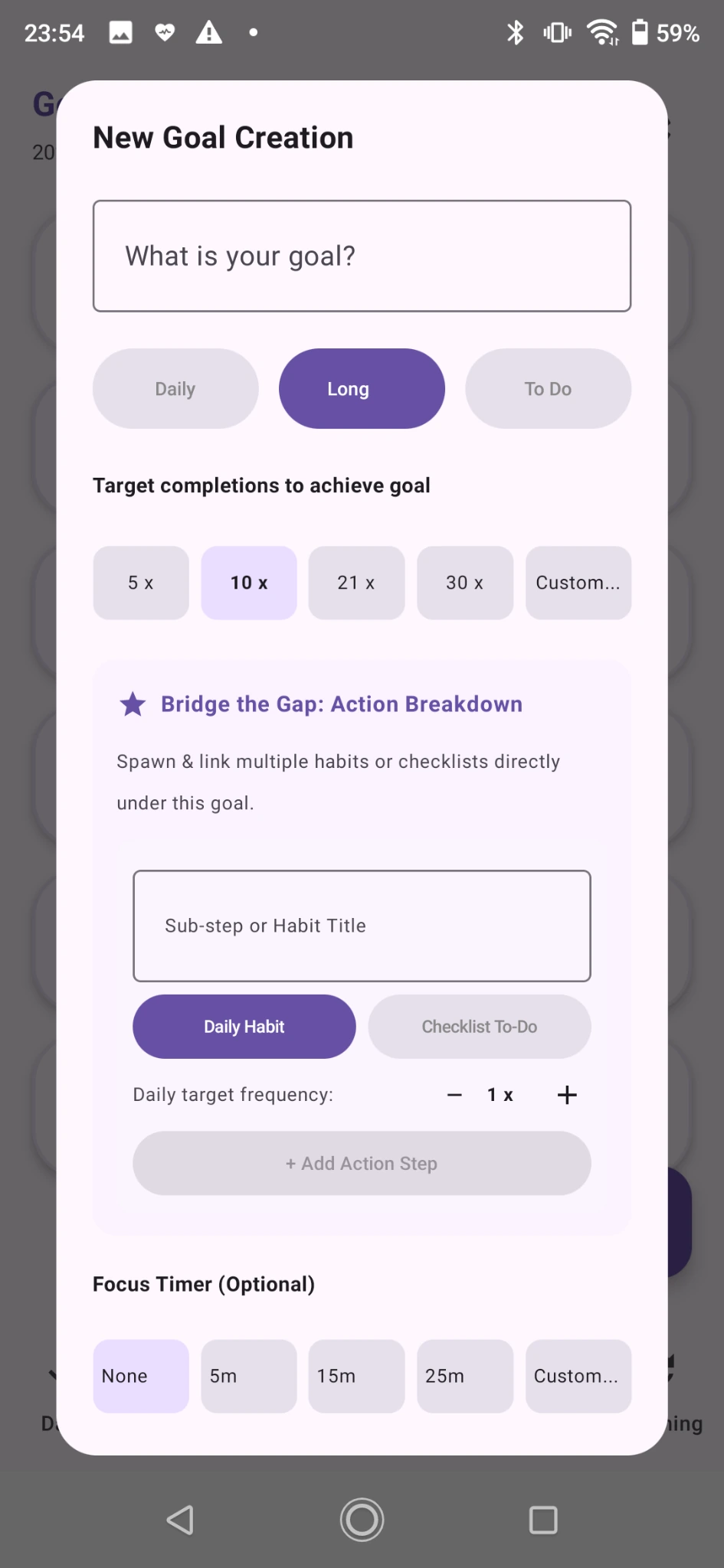
Create daily habits, long-term goals, and linked action steps.
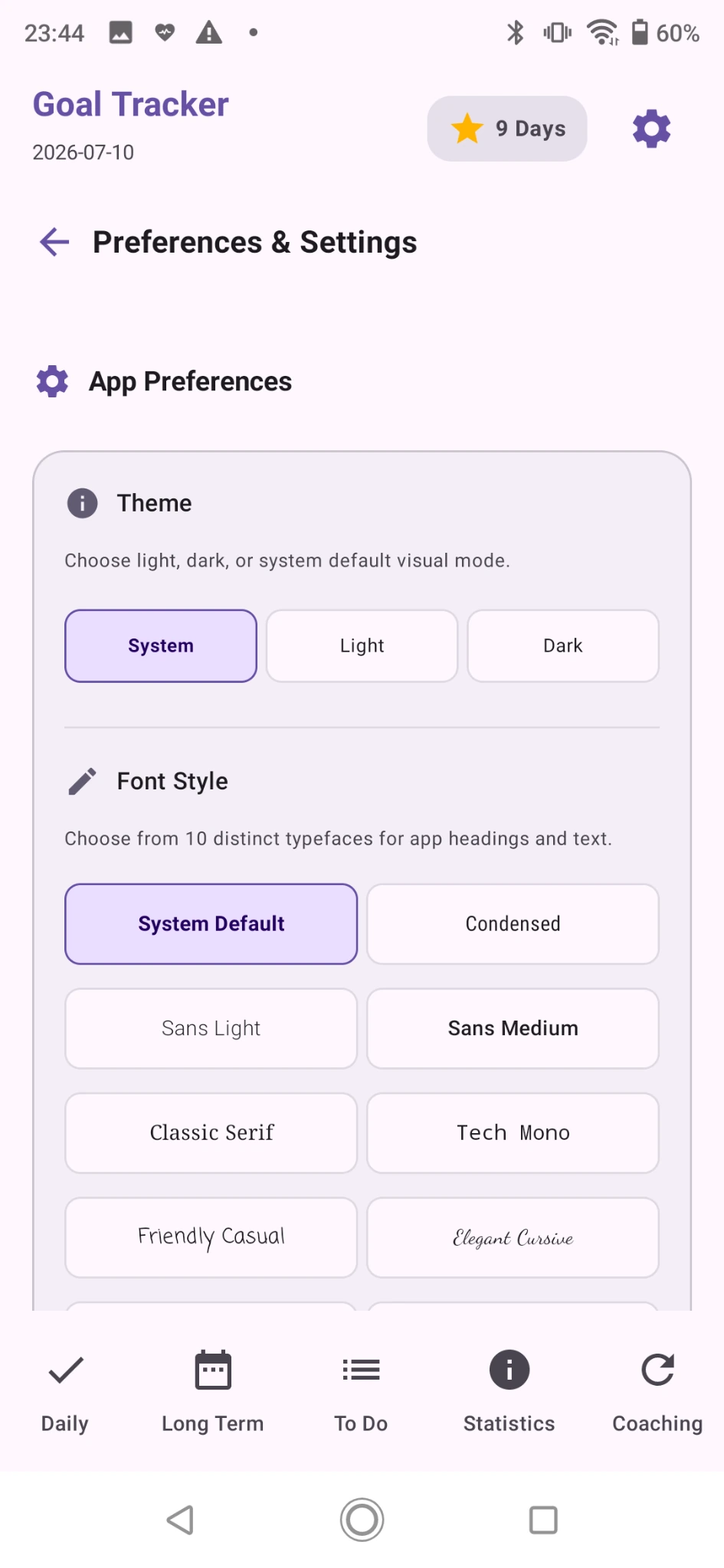
Switch theme, font style, font size, timers, reminders, and widget limits.
Review completed and missed habits for any selected day.
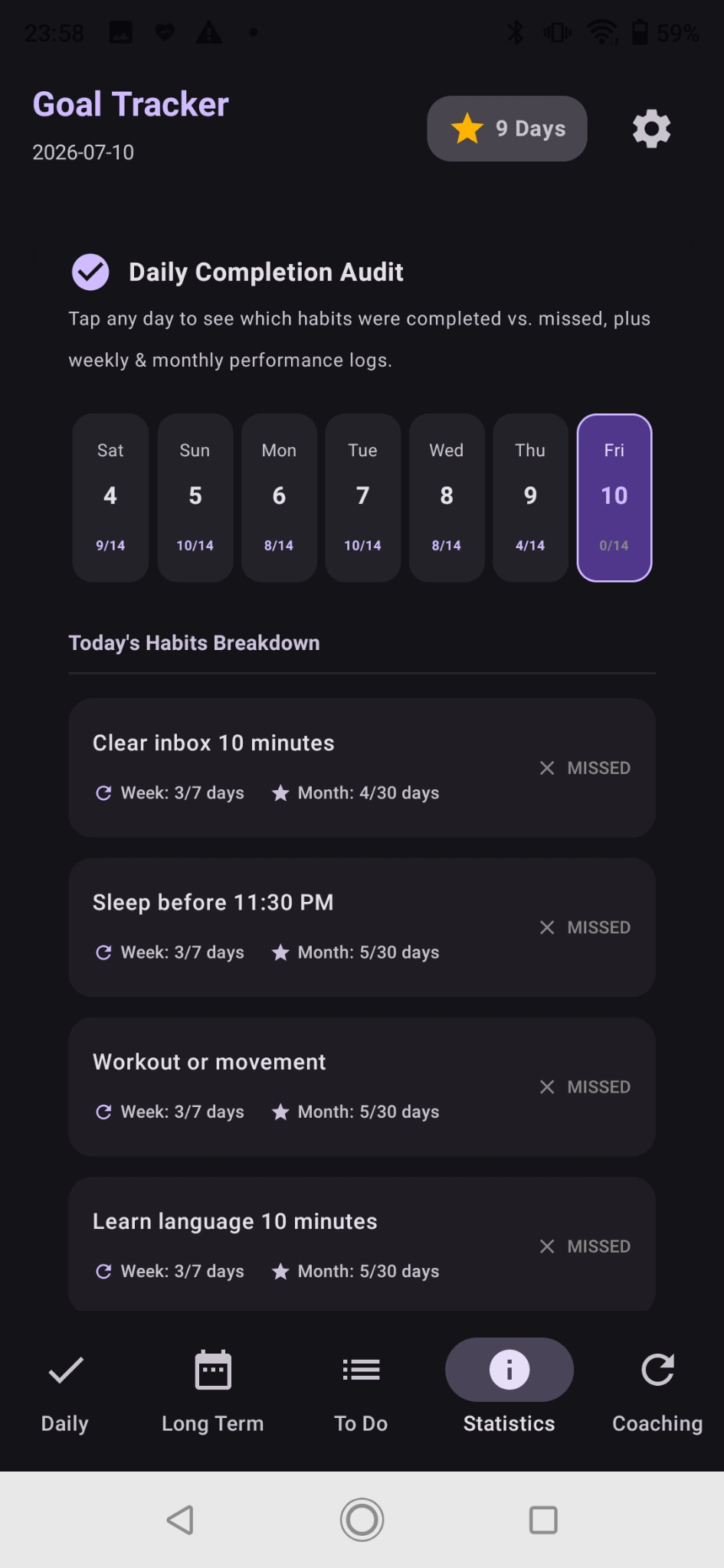
See weekly and monthly habit performance by task.
A clean dark view for daily habits, timers, and reorderable goals.
Widgets are one of the strongest features: daily priorities, persistent checklist tasks, long-term goals, and a 14-day calendar heatmap.

Check today’s priorities and see linked long-term tasks directly from the home screen.

Keep one-time tasks visible until they are checked off.

View recent completion intensity and consistency at a glance.
Easy Goal Tracker is designed for people who want a simple private system, not a heavy productivity platform. The app focuses on daily habits, long-term goals, tasks, widgets, and clear progress history.
Suggested line: “Your goals stay on your device. No account required. Export anytime.”
Short answers for the landing page and launch review.
No. The app is designed to be used without account setup.
Yes. Easy Goal Tracker is custom-first, so users write their own daily habits, long-term goals, and one-time tasks.
Yes. Widgets are designed to show priorities, checklist tasks, and calendar progress from the Android home screen.
Yes. Backup, restore, import, and export options are part of the local-first direction.
Help improve Easy Goal Tracker before the Play Store launch. Use the tester feedback form after trying daily habits, long-term goals, tasks, statistics, widgets, settings, and backup.
Daily habits, long-term progress, quick tasks, statistics, widgets, and local-first backups in one focused Android app.